

Motion Control AI - Kling 2.6 Motion Control Video Generator
Create dynamic AI videos with Kling 2.6 Motion Control AI. Control character actions and expressions precisely via reference images. Master professional Image-to-Video generation.
The character actions in the generated video are consistent with the reference video. Supports .mp4/.mov, 3.5-30 seconds duration depending on Character Orientation.
[Controls character's orientation. 'image': same orientation as the person in the picture (max 10s video). 'video': consistent with the orientation of the characters in the video (max 30s video).]
Whether to keep the original sound of the video.
Real-World Motion Effects via Kling Motion Control AI
Precision in Hand Performances
Captures intricate hand movements and gestures with high fidelity, ensuring distinct finger articulation and fluid motion transfer from the reference video to the target character.

Perfectly Synchronised Full-Body Motions
Delivers coherent and coordinated full-body animation where the generated character's posture, limb movements, and overall orientation perfectly mirror the reference video.
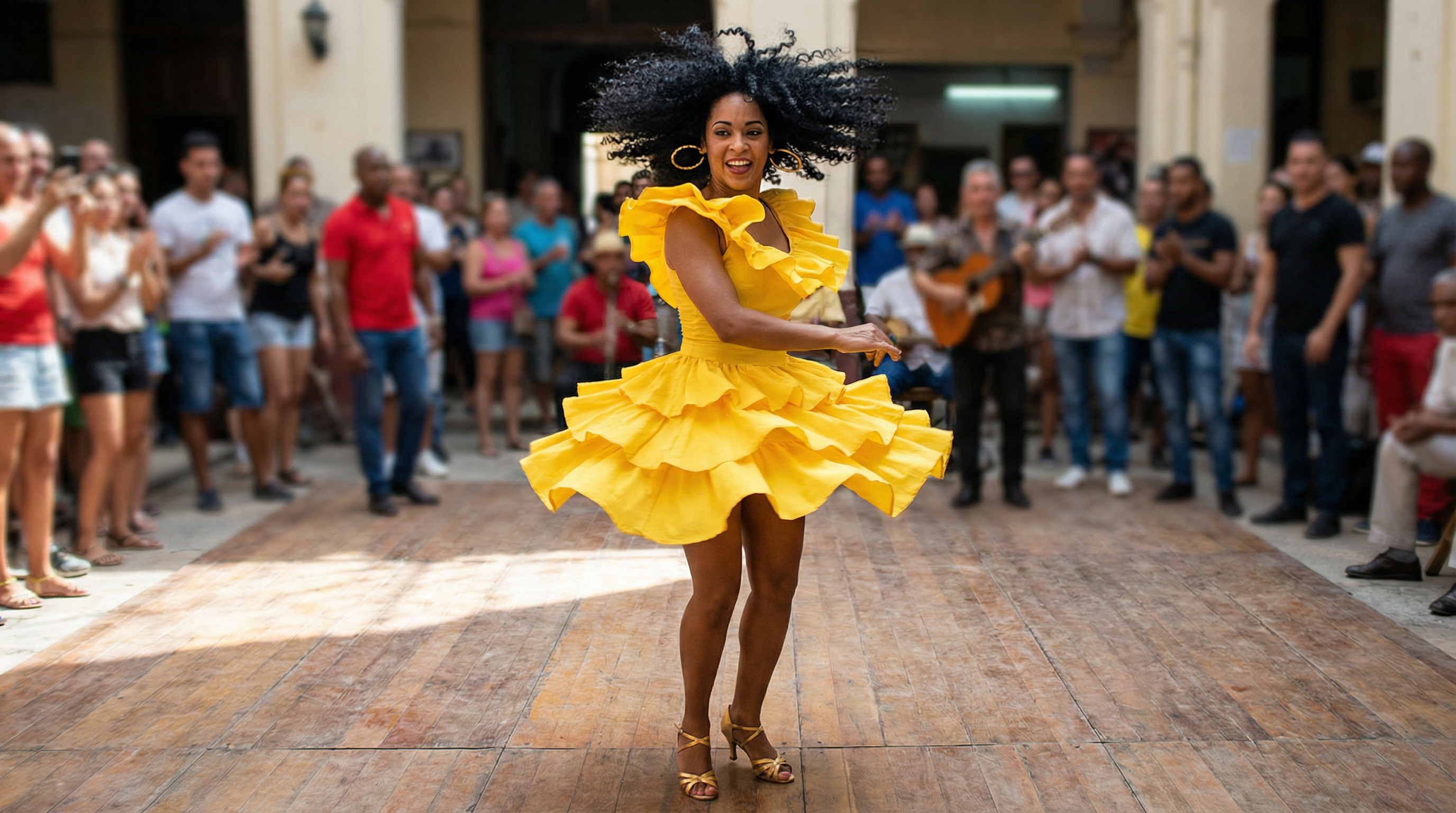
Masterful Performance of Complex Motions
Handles dynamic and challenging action sequences with ease, translating complex athletic or dramatic movements to the target character while preserving consistency and realism.
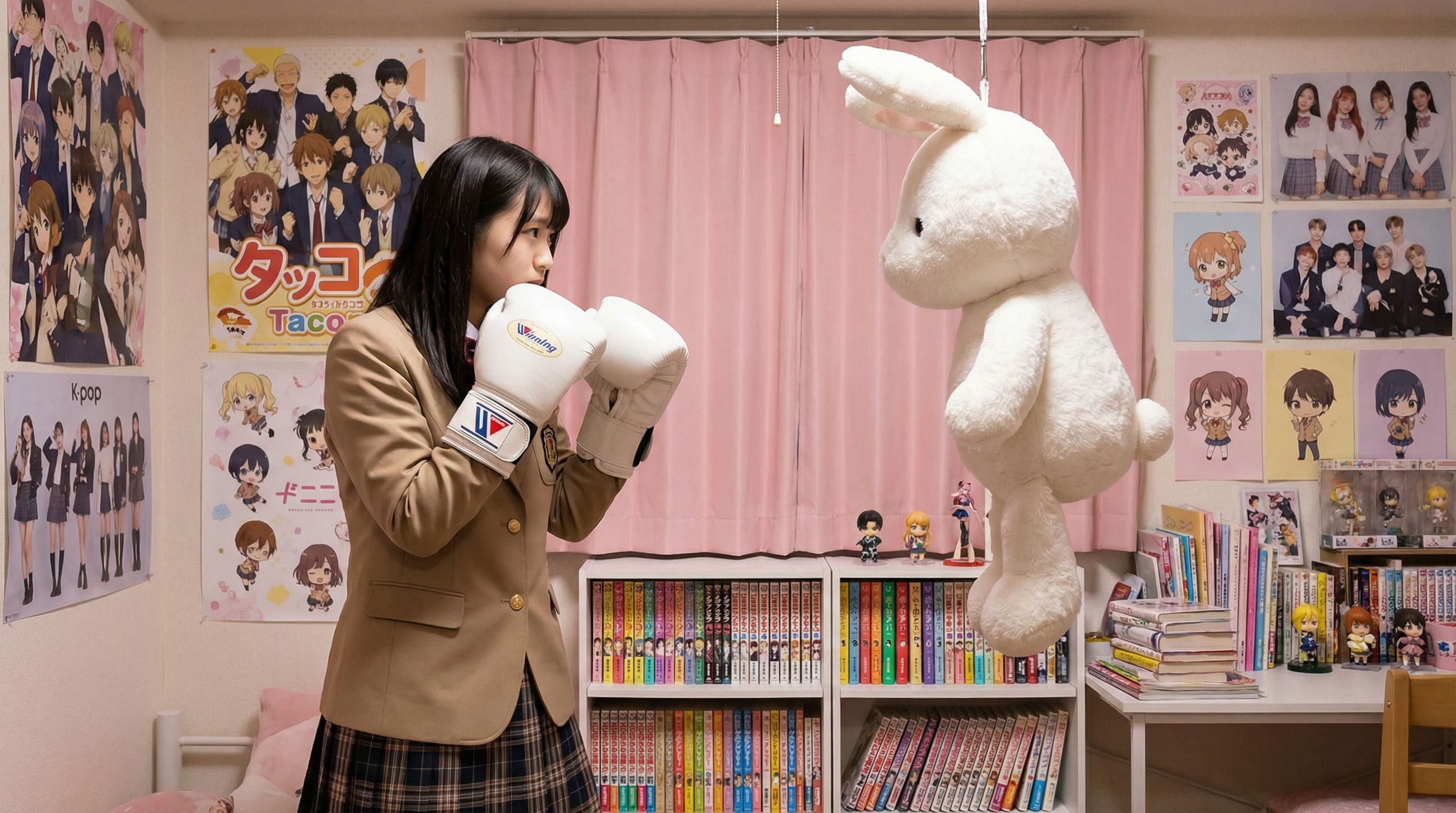
Scene Details at Your Command
Combines motion control with text prompts to customize background elements and interactions, allowing for the addition of new characters or environmental changes while maintaining the original motion trajectory.
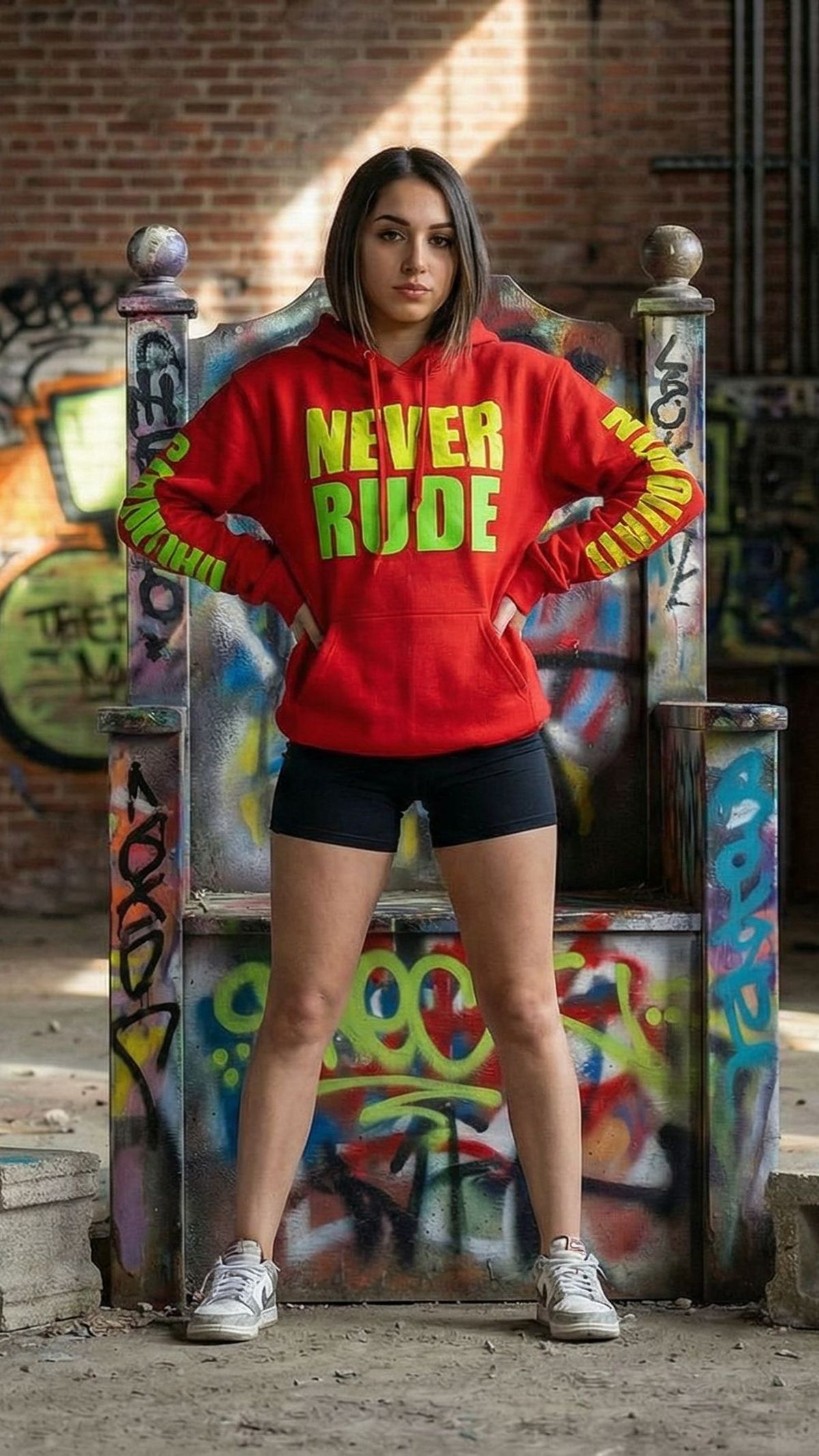
Precise Motion Trajectories
Go beyond random animation. With Kling Motion Control, you dictate the path. Draw specific trajectories to guide character movement or camera flow, ensuring the final video matches your exact directorial vision.
Superior Character Consistency
Maintain subject identity perfectly. Unlike older models that morph faces, Kling 2.6 ensures your character's features and attire remain consistent throughout the video generation process, making it ideal for storytelling.
Photorealistic 2.6 Engine
Experience the next leap in AI visual quality. The Kling 2.6 architecture delivers high-definition output with physically accurate lighting, fluid textures, and realistic physics that rival traditional CGI rendering.
Complex Action Control
Command complex movements with ease. Whether it is a subtle facial expression change or a full-body action sequence, Kling AI interprets your prompts and reference images to execute dynamic, believable actions.
Rapid Video Generation
Accelerate your creative workflow. Optimized for performance, our platform reduces rendering times for Image-to-Video tasks, allowing you to iterate quickly and produce professional clips in minutes, not hours.
Cinematic Camera Moves
Direct your AI video like a pro. Control pans, tilts, and zooms alongside subject motion. Kling Motion Control gives you the power to compose dynamic shots that elevate your visual narrative.
Simple Pricing, Professional Results
Choose the perfect plan for your needs. No hidden fees.
✨ All plans include: Commercial License, No Watermark, and High-Resolution downloads.
No commitment. Cancel your subscription anytime.
Pay safely and securely with


